> For the complete documentation index, see [llms.txt](https://docs.mydbsync.com/cloud-replication-main/llms.txt). Markdown versions of documentation pages are available by appending `.md` to page URLs; this page is available as [Markdown](https://docs.mydbsync.com/cloud-replication-main/source-setup/hubspot.md).
# HubSpot
### Prerequisites
To connect HubSpot with the DBSync HubSpot Connector, you'll need:
* A valid DBSync HubSpot Connector license and login credentials for DBSync iPaaS.
* Your HubSpot login credentials (username, password).
### Steps to Connect HubSpot to DBSync
Step 1: Click Add App, choose HubSpot as the Data Source, and then create a profile.
Step 2: Click the profile you created, then select Login to HubSpot (OAuth).
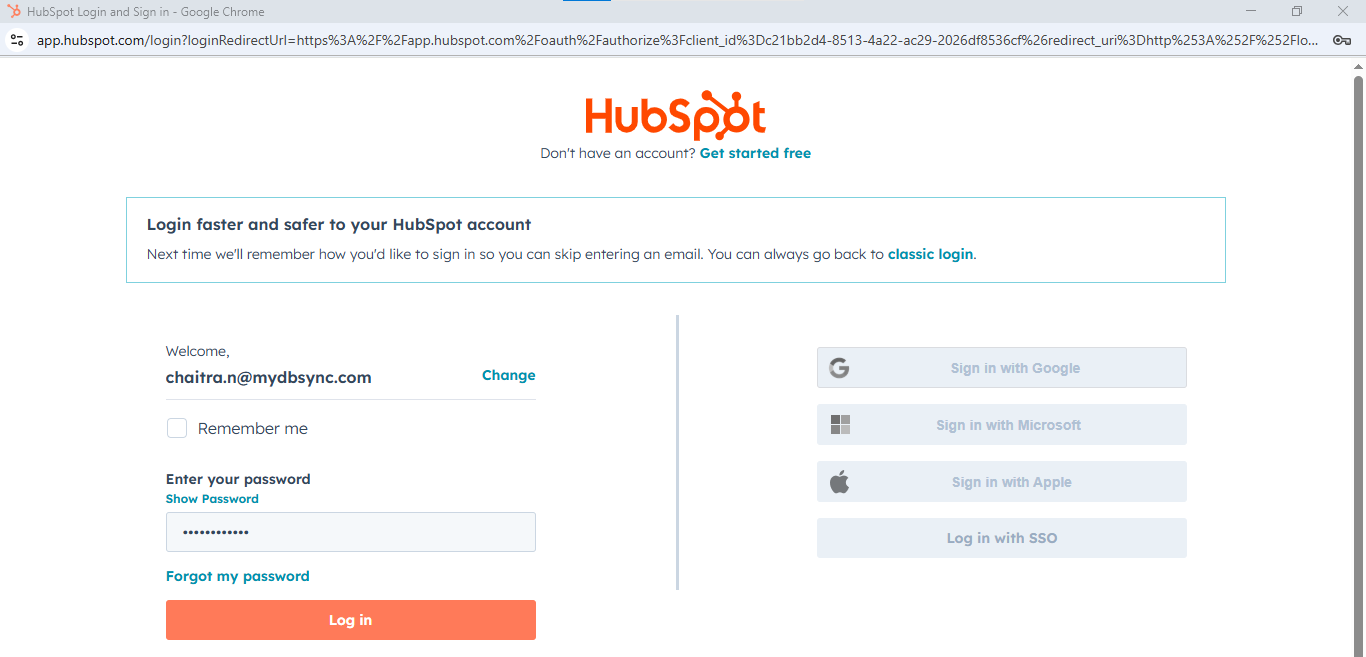
Step 3: After clicking Login, you will be redirected to the HubSpot sign-in page. Click Sign in to access your HubSpot account.
Step 4: Enter your HubSpot username and password, then click Log in.
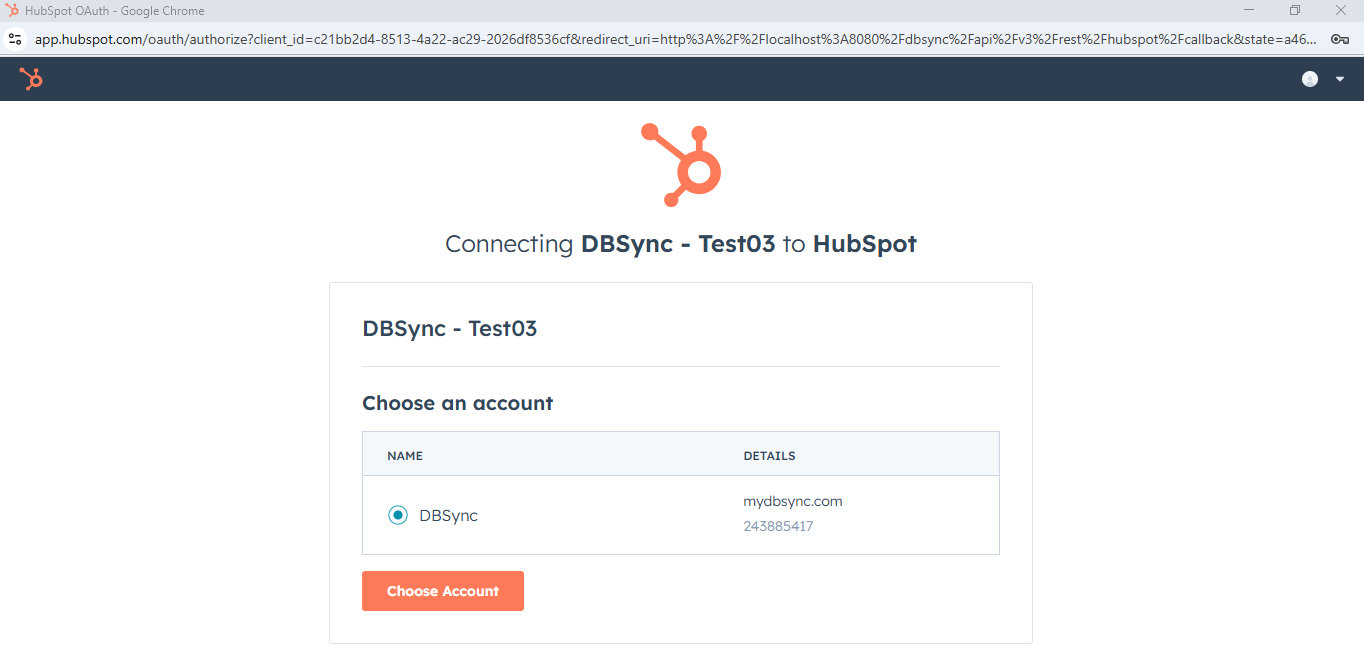
Step 5: Select the HubSpot account you want to connect with DBSync, then click Choose Account.
Step 6: Wait a few moments, and you will be redirected to the confirmation page. Your HubSpot connector is now successfully connected.
Step 7(Optional): If you want to use the bulk API to transfer a large dataset, click on the checkbox in front of the "Use Bulk API" option to enable it


.png?alt=media&token=ec3071e6-2dc5-4d4e-bf05-fbf2dbcab94b)